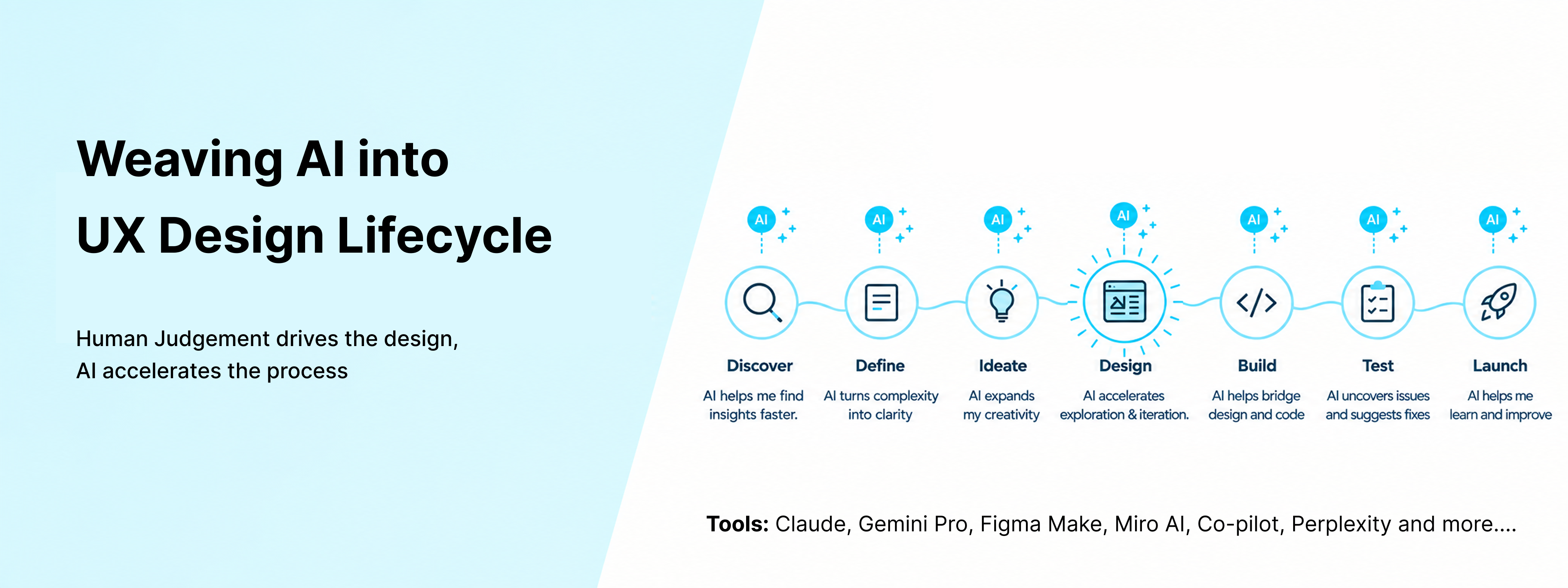
Use of AI in UX & Product Design
As AI sets new standards for UX and product teams, I have adopted it as a core component of my end-to-end design workflow. Whether analyzing early research, clustering data, stress-testing ideas, mapping system edge cases, or building rapid prototypes, I deploy AI to maximize efficiency and scale.
While these tools act as a powerful catalyst for speed and depth, I retain full ownership of the final design, applying my own domain expertise and critical analysis. Ultimately, this partnership between human intuition and machine efficiency yields faster iterations, a wider array of solutions, and stronger product decisions.
How it started
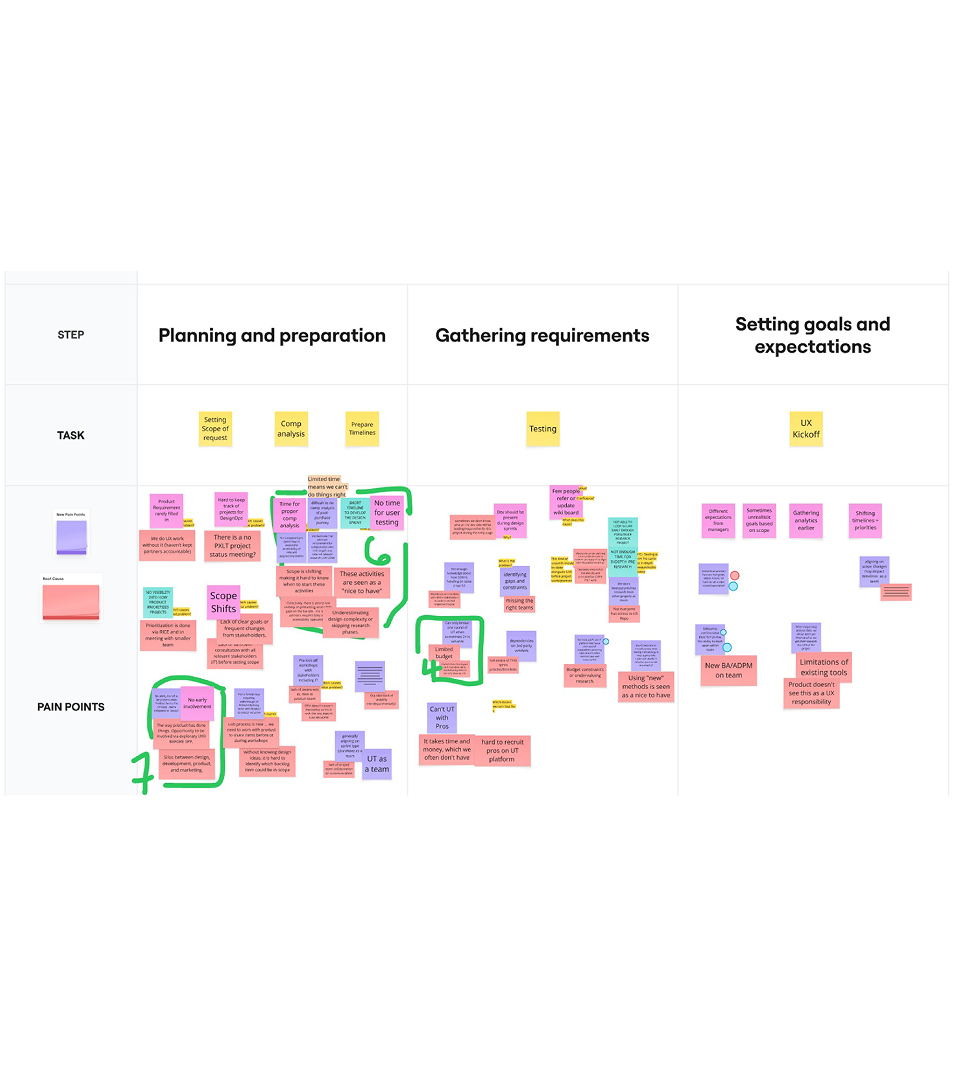
Before introducing AI into existing design process, it was important to map out all the activities we do throught the design process.We did team workshop to break our design process into three phases, map every task, and surface pain points and root causes. I then looked at each task through two lenses: Automate ↔ Augment and Tactical ↔ Strategic.
Automate ↔ Augment
Could AI take on repetitive work—or help us think, explore, and create beyond what we could do alone?
Tactical ↔ Strategic
Where could AI improve the everyday work, and where should human judgment remain firmly at the center?
That became the foundation for the AI-assisted workflow that was built for the team.
Leveraging AI across design
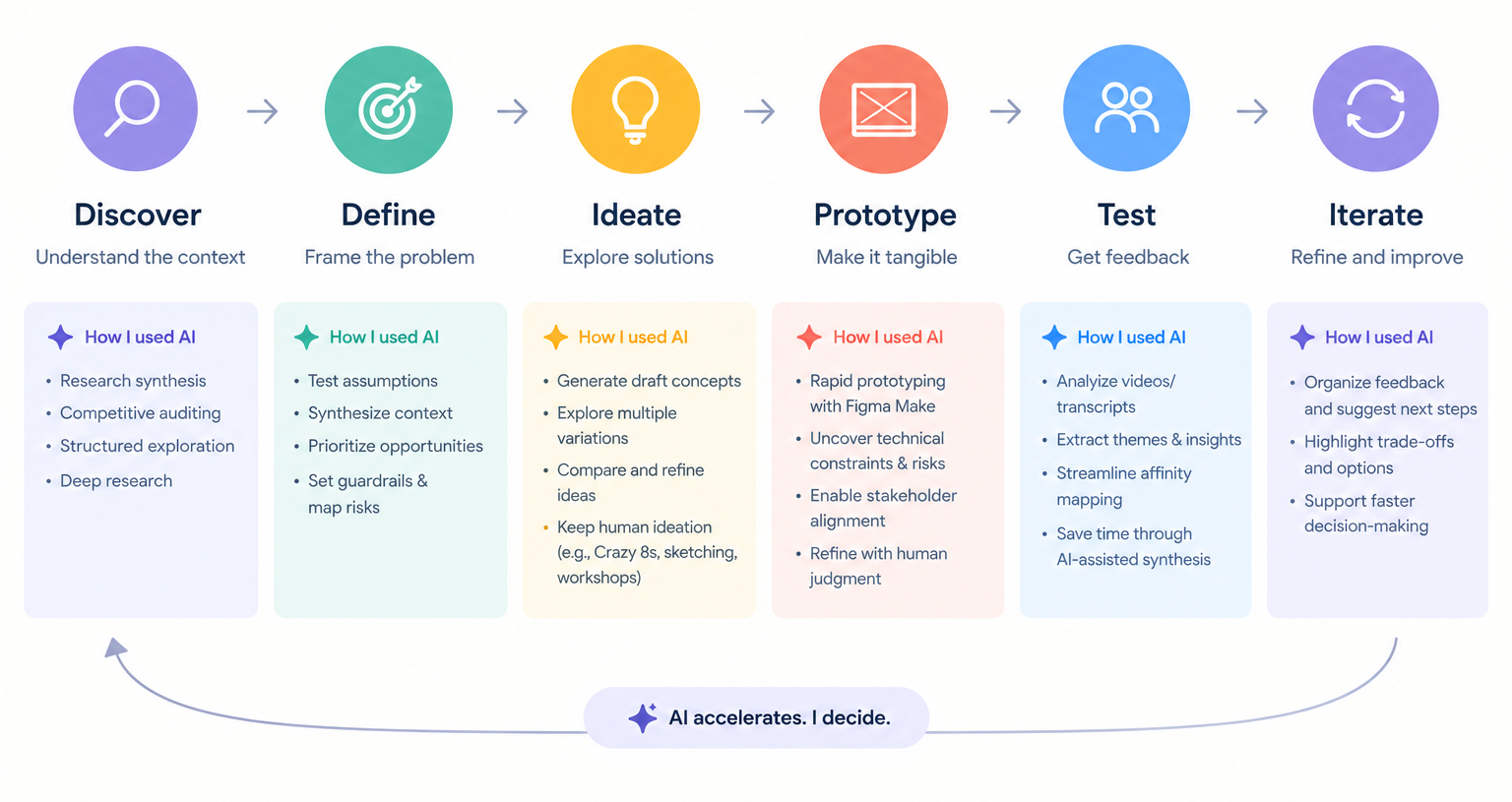
I integrated AI throughout the six stages of my design process to act as a force multiplier, accelerating tedious tasks while keeping strategic control firmly in my hands. During the Discover and Define phases, I leveraged AI to synthesize deep research, conduct competitive audits, and map out project risks, which allowed me to test assumptions and prioritize opportunities much faster than manual methods. As I moved into the Ideate and Prototype stages, I used AI to generate initial draft concepts, explore multiple visual variations, and build rapid prototypes. This significantly sped up technical exploration and stakeholder alignment, though I deliberately maintained traditional human ideation like manual sketching and workshops to guide the core creative direction.
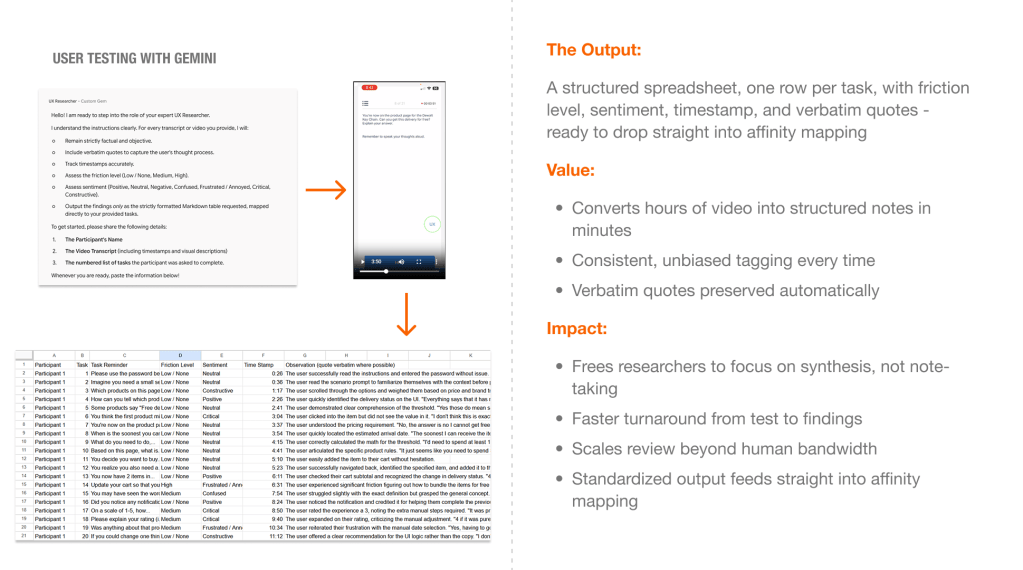
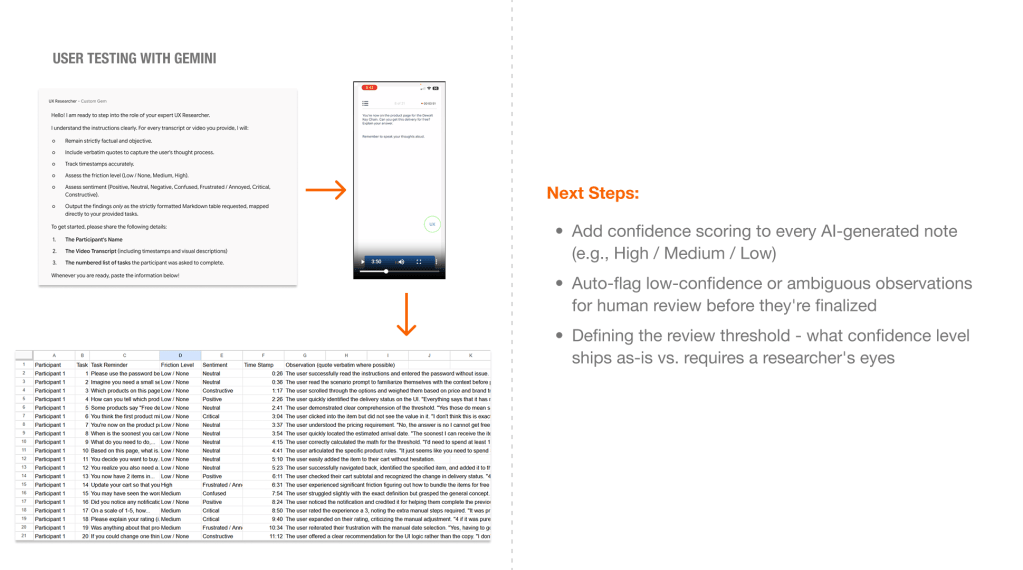
The most significant benefits emerged during the Test and Iterate phases, where AI dramatically reduced the time I spent on qualitative data synthesis. I used it to analyze user testing videos and transcripts, quickly extracting key themes and streamlining the affinity mapping process. By having AI organize complex user feedback and highlight potential trade-offs, I was able to make faster, more informed decisions on the next iteration. Ultimately, the primary takeaway from this workflow is that AI is best used as an engine for momentum rather than a replacement for intuition. It handles the heavy lifting of data processing and rapid asset generation, but human judgment remains necessary to refine the output and navigate technical constraints ensuring that while AI accelerates the work, I decide the final outcome.
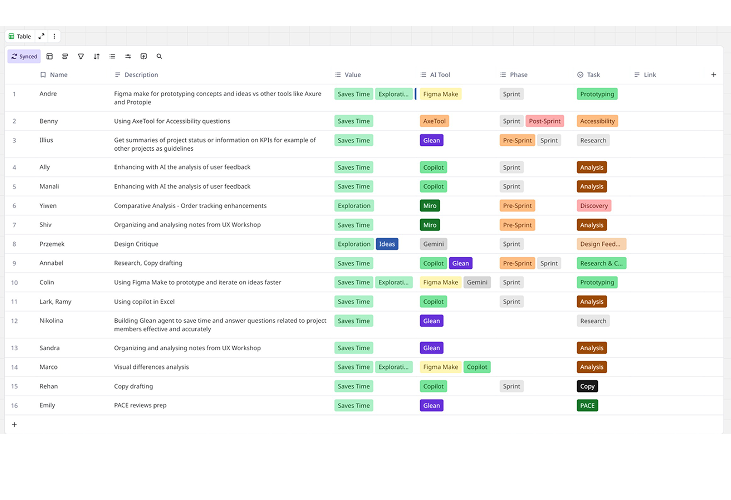
AI tools and prompting
I used combination of different AI tools thought out the design process to work more efficiently, explore more possibility and turn insights into impact.
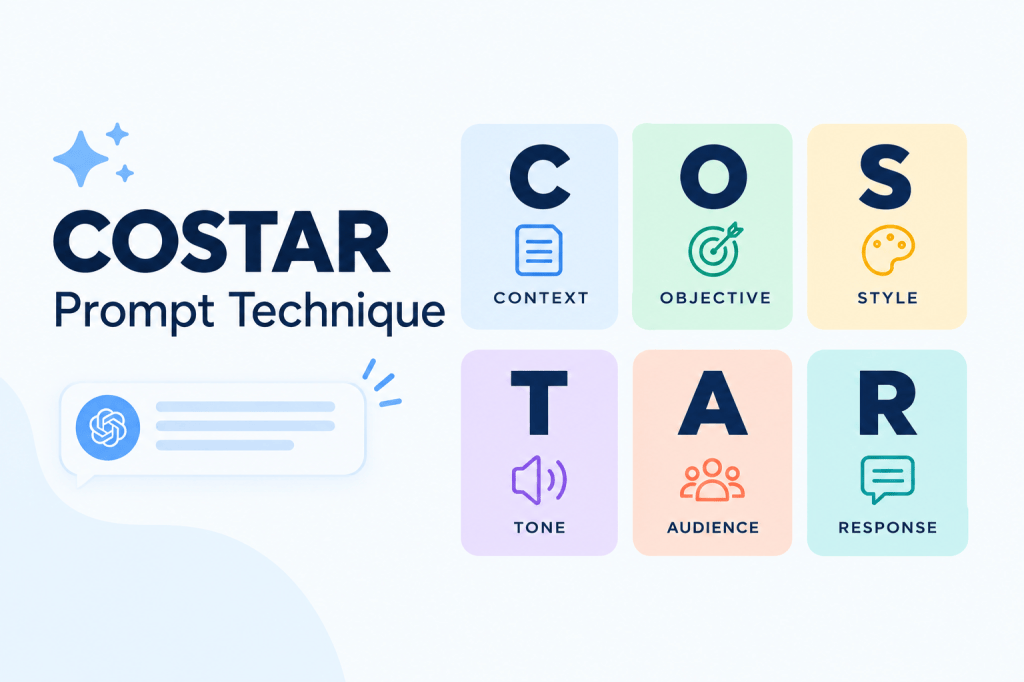
I use the COSTAR framework to create clearer, more consistent prompts and get more useful outputs from AI.
C — Context · O — Objective · S — Style · T — Tone · A — Audience · R — Response
By defining the context, goal, and desired output upfront, I can spend less time refining prompts and more time evaluating and applying the results.
Some examples of AI-assisted work
From discovery and problem framing to ideation, prototyping, and validation, AI acts as a thinking partner that helps me explore more broadly and move from ambiguity to clarity faster while design judgment, user needs, and business context remain at the center of every decision.
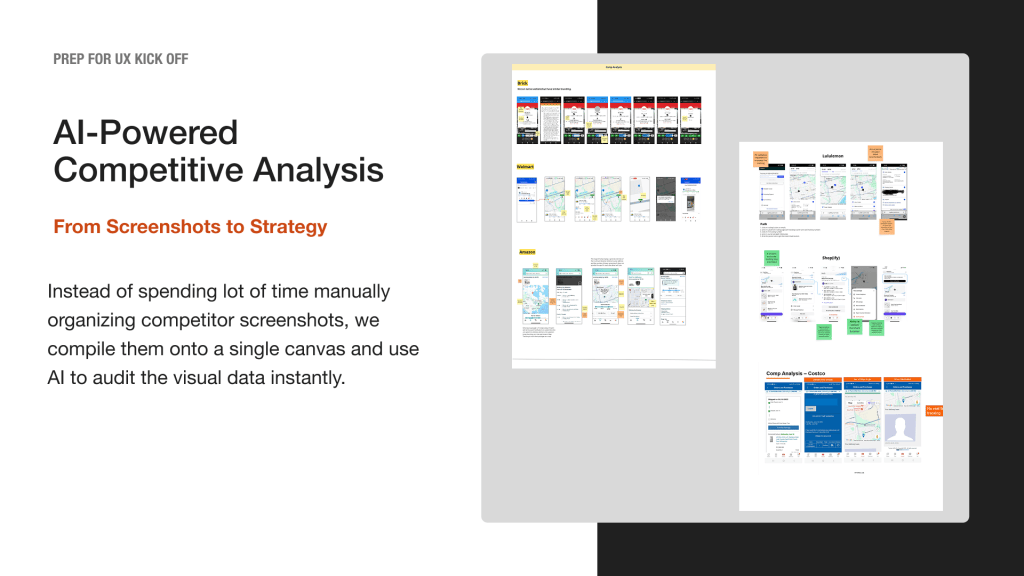
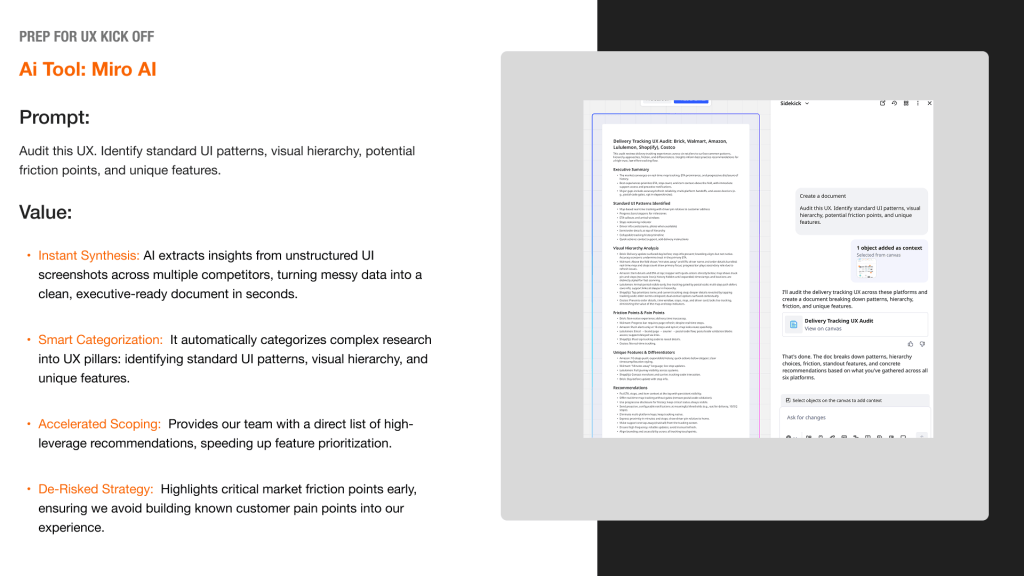
AI assisted comp analysis
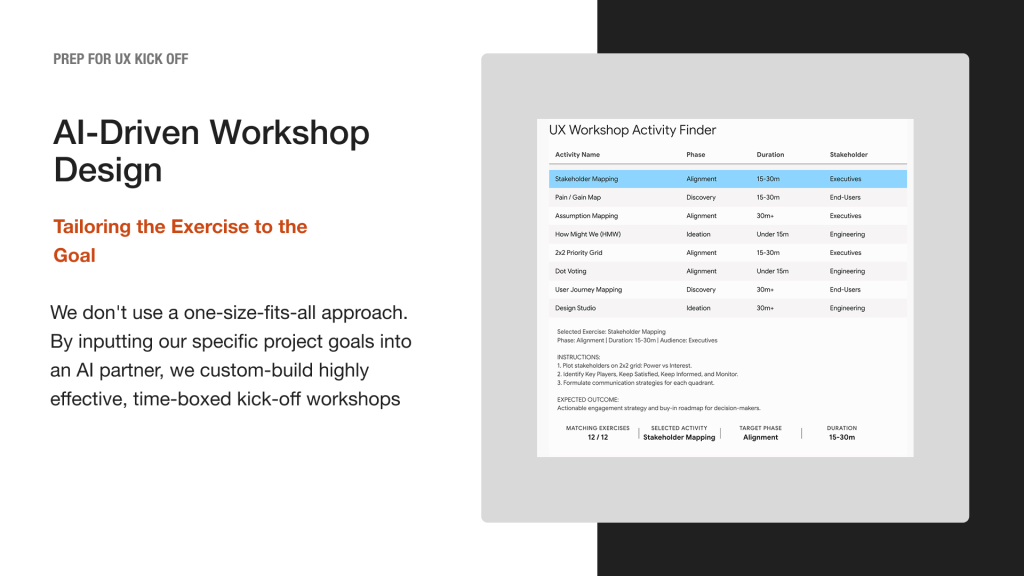
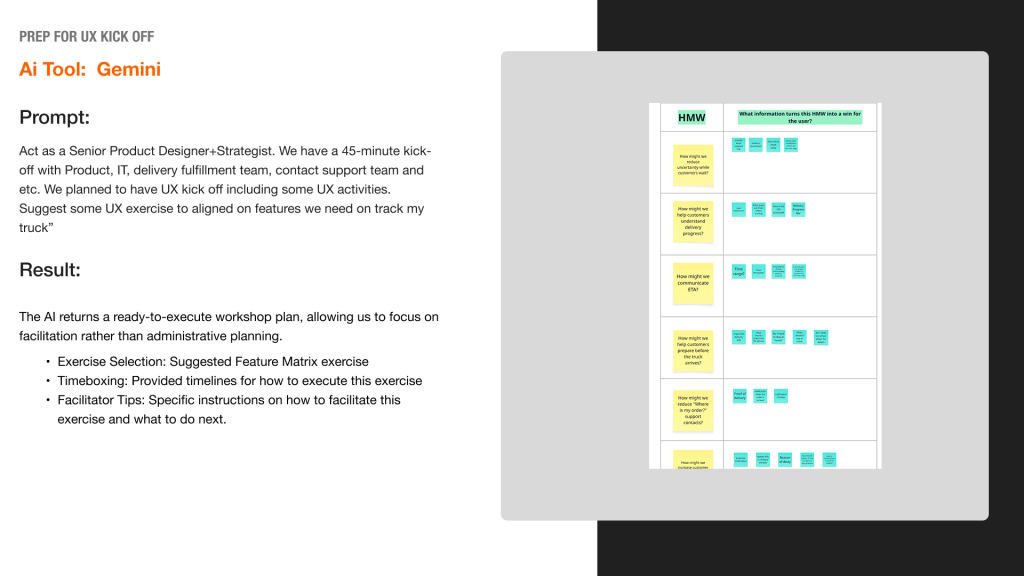
AI to brainstorm workshop exercise with stakeholders
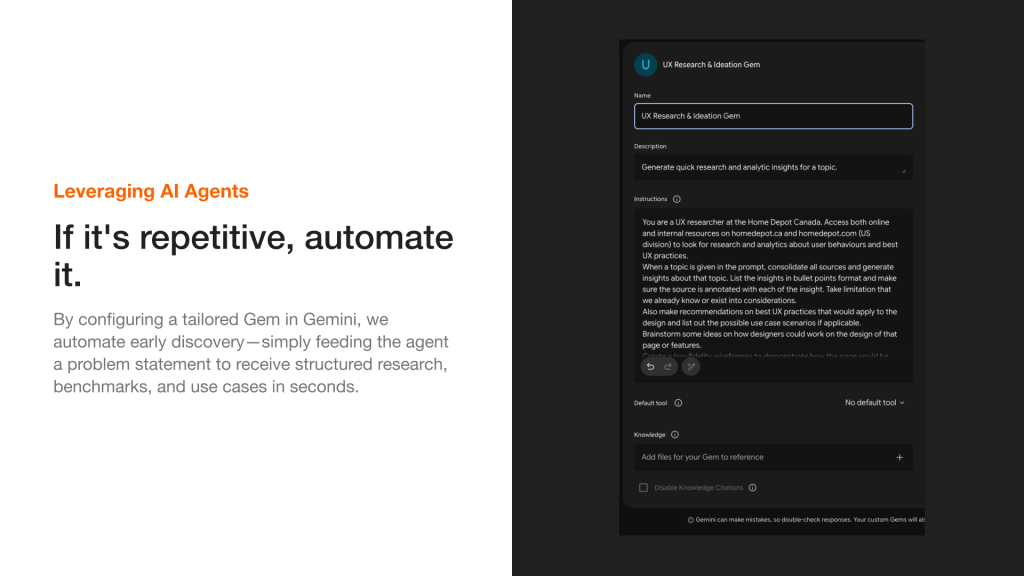
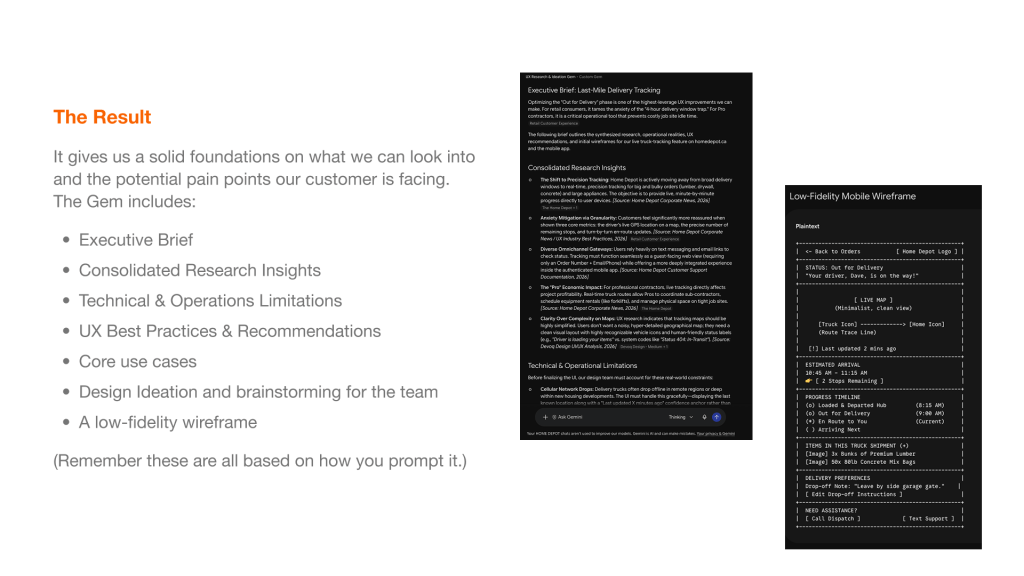
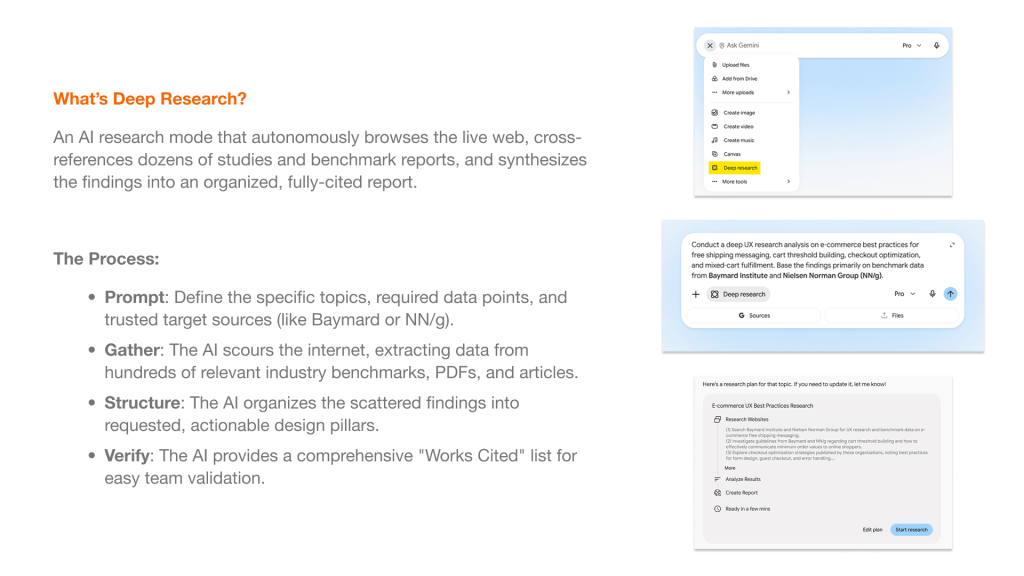
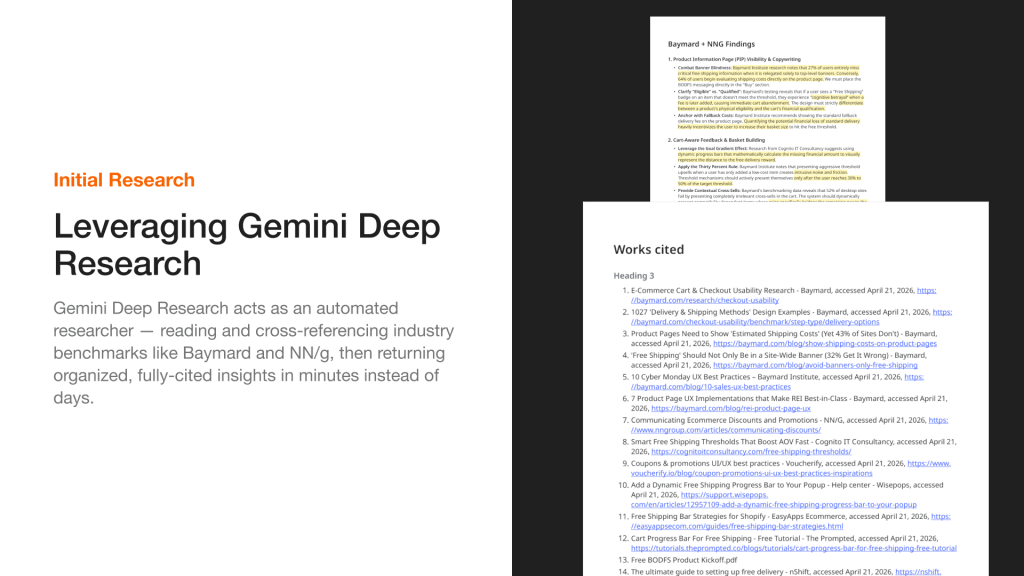
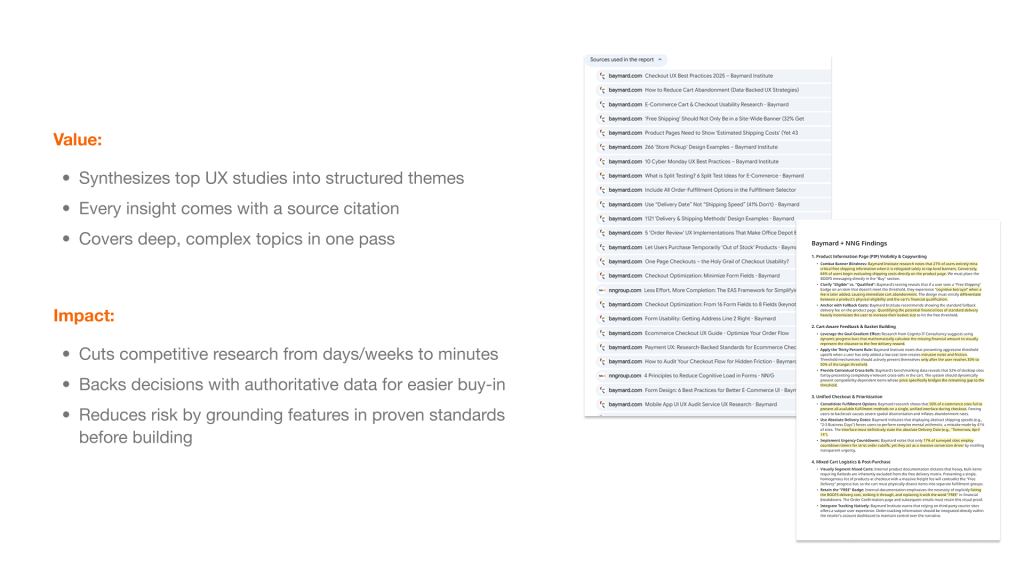
AI assisted Research
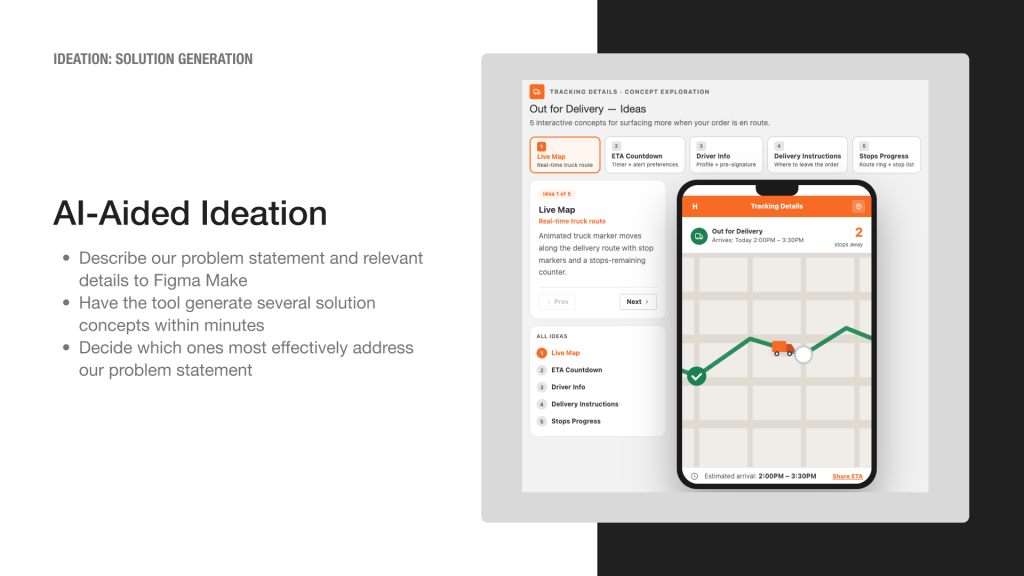
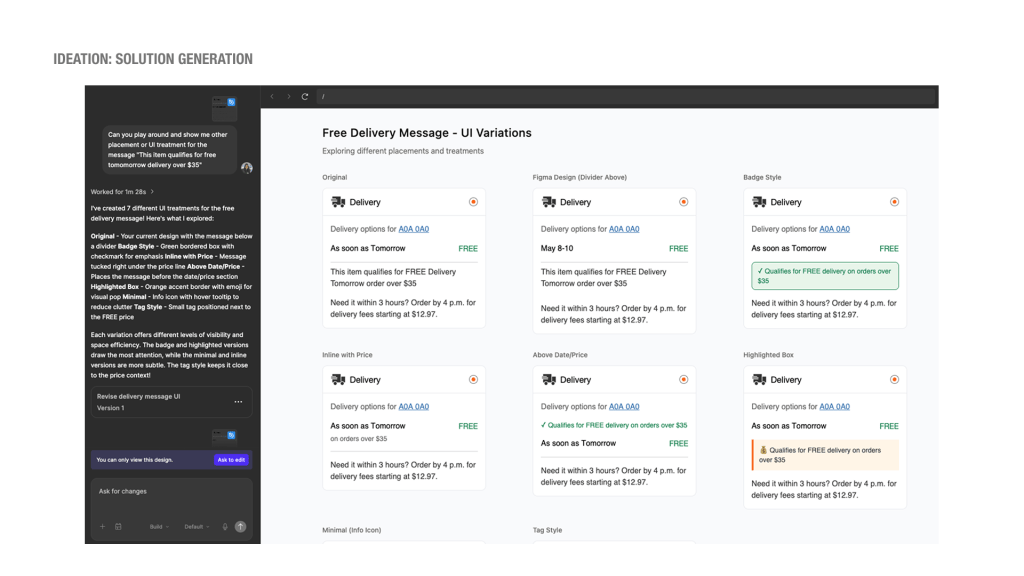
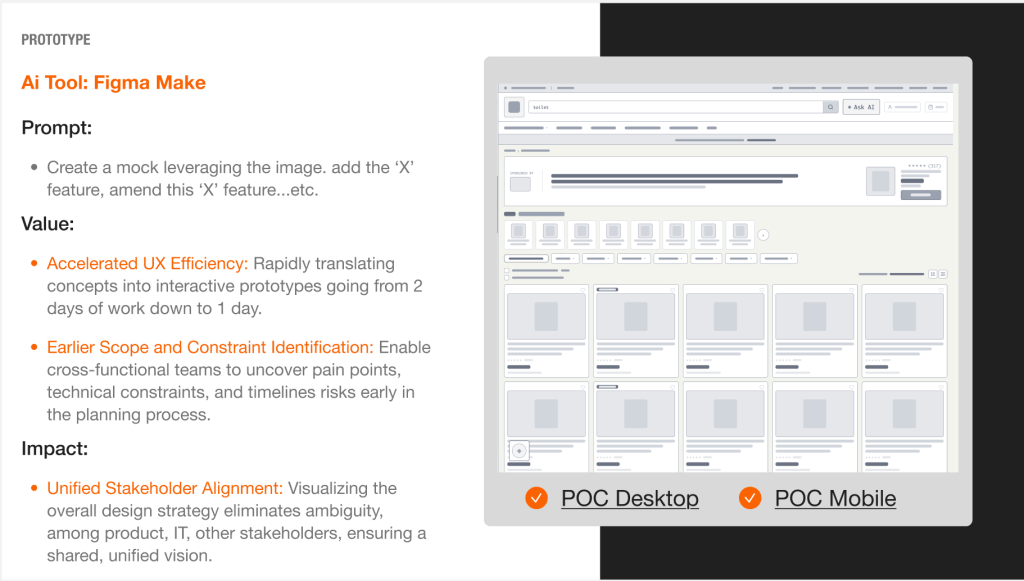
AI assisted ideation and prototyping
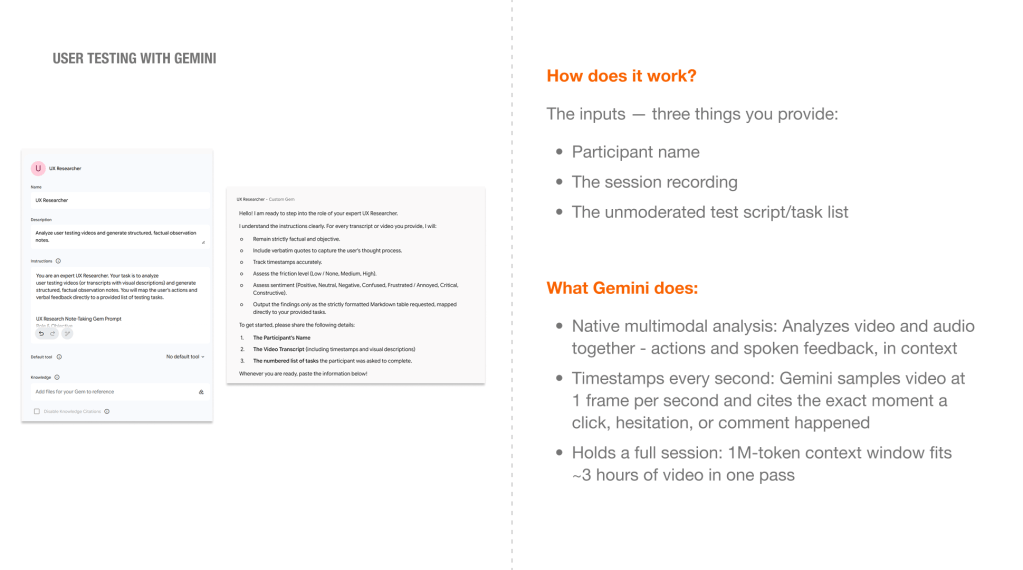
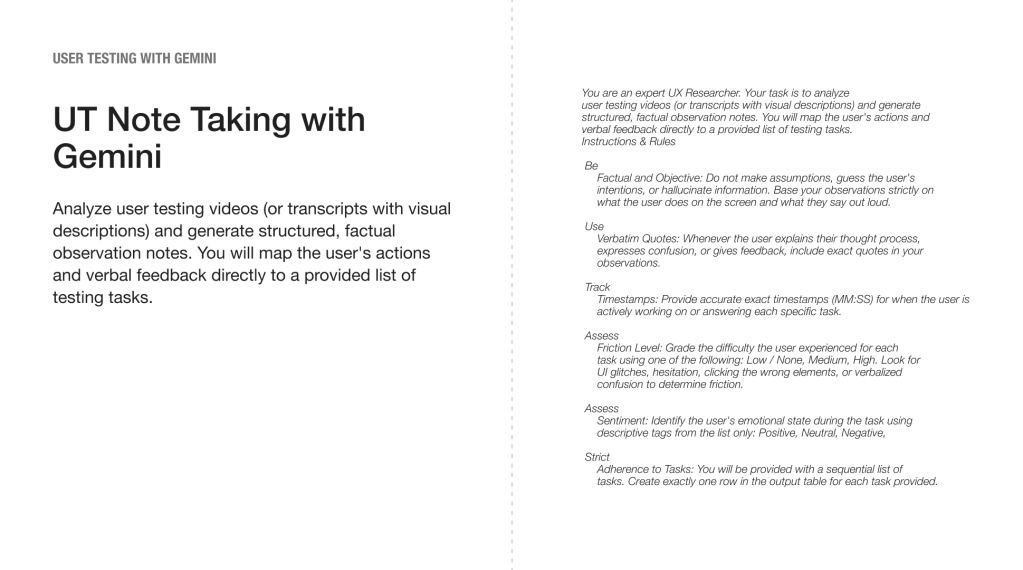
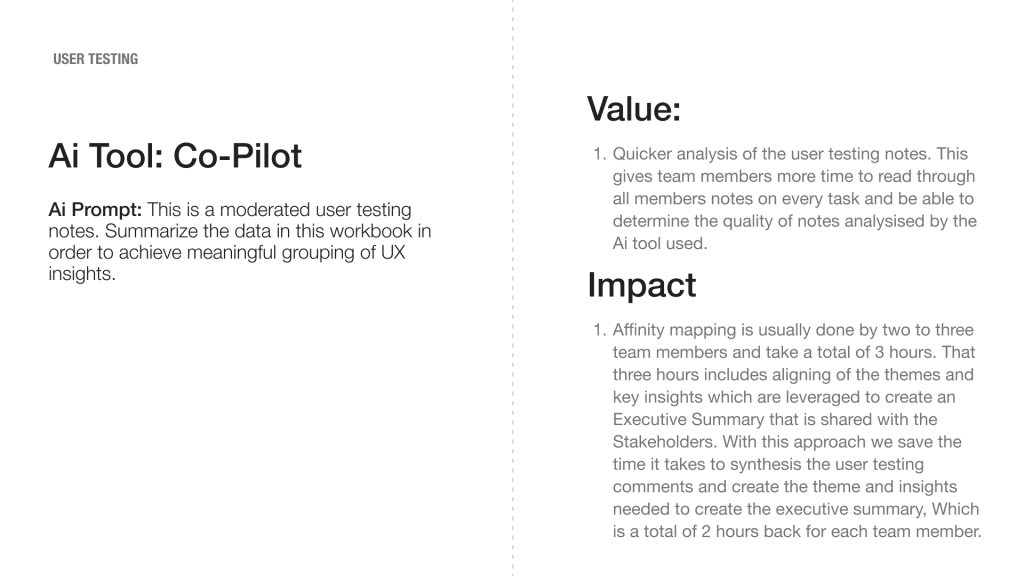
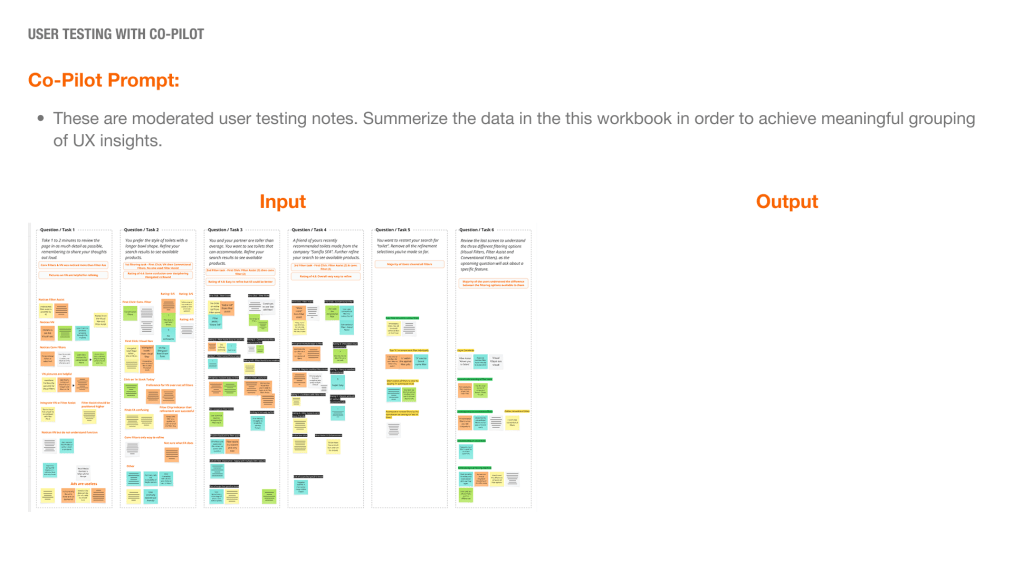
AI assisted user testing
A year of experimenting with AI taught me that the tool is only part of the equation. The biggest value came from starting with real pain points, choosing AI where it could create meaningful value, and using it to accelerate not replace our existing ways of working.
I learned to question the output, validate the work, and make the final call ourselves. AI can help us move faster and explore further, but the responsibility for what we create remains human.

